


 JP the Cat
$12.99
Job: Cost and limit copilot for agents
Cost certainty: Real dollars and notional list prices.
Paid unlock: Gauges, charts, widgets, alerts, and more!
A precise menu bar for Claude Code, Codex, Grok, Muse Spark, Cursor, and OpenCode Go. Real and notional cost, official limits, local tokens, and measured gateway usage. Muse Spark counts OpenCode sessions on this Mac — not your full Meta account dashboard. JP watches it all for you.

Claude Code, Codex, Grok, Muse Spark · Cursor local tokens · OpenCode Go measured usage
How JP works
Claude Code, Codex, and Grok Build already keep usage logs on your Mac — no account, no API key. Muse Spark and OpenCode Go read OpenCode's local database here; Muse Spark counts sessions on this Mac, not your full Meta account dashboard. Follow along in the menu bar, the macOS widget, or her dashboard, in Sunlit or Midnight.
Real dollars with real per-model rates — the 5min vs 1hr cache split most tools flatten, streaming chunks de-duplicated. Official limits at notional prices. Pick a 7, 14, 30, or 90-day window and JP does the math.
Your 5hr and weekly usage comes straight from official feeds — Codex automatically, Claude when live limits are turned "On" in Settings. Every number is stamped official, JP never guesses.
A single meow and a native macOS banner the moment a provider crosses 80% — once per window, then quiet. Tune it or turn it off in Settings whenever you like.
On your desktop, too
Drop JP the Cat into your widget gallery and today's spend stays in view without opening a thing. Every size renders in Sunlit light or Midnight dark to match your Mac.
Add it in seconds
It's just that simple.
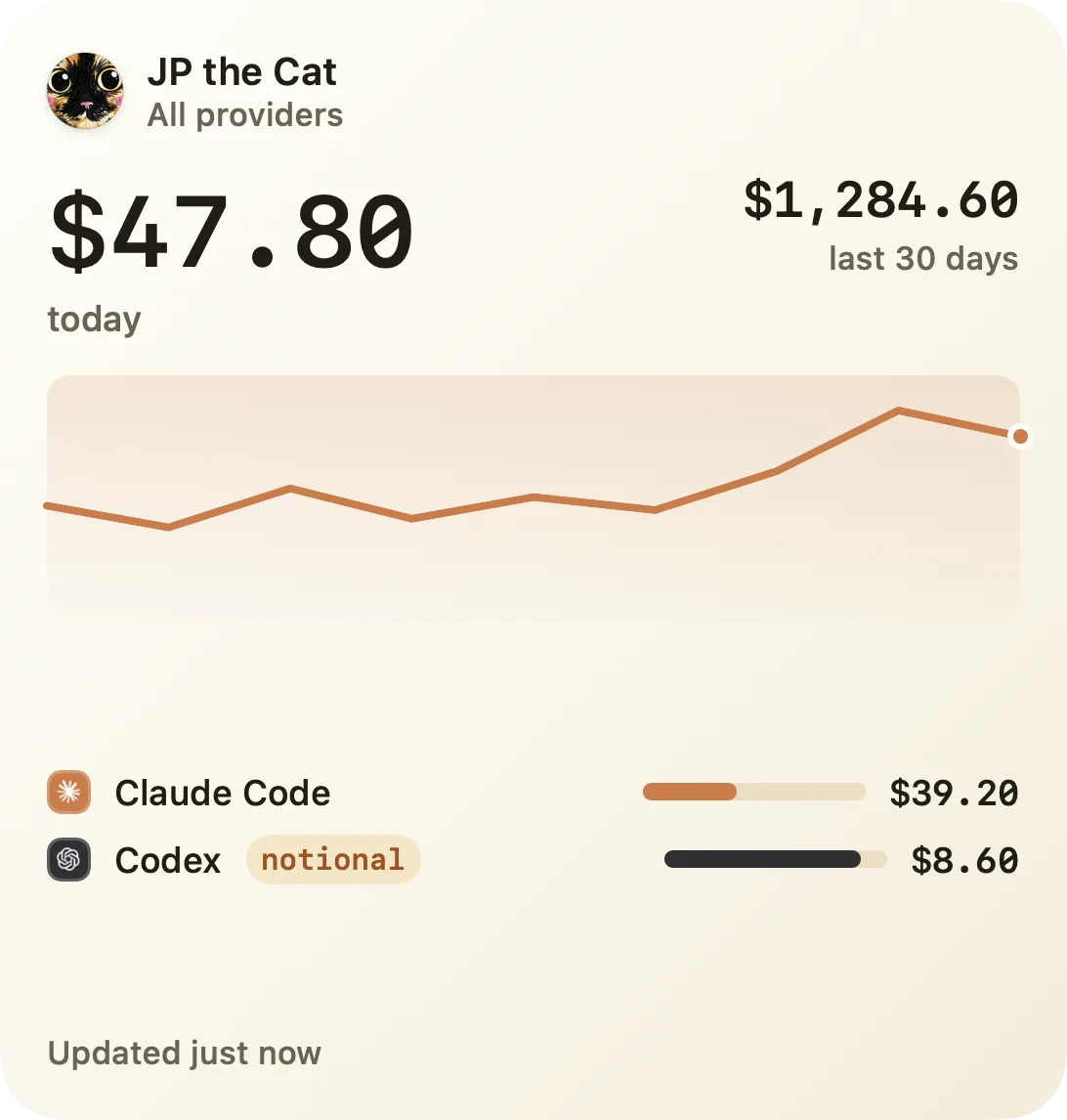
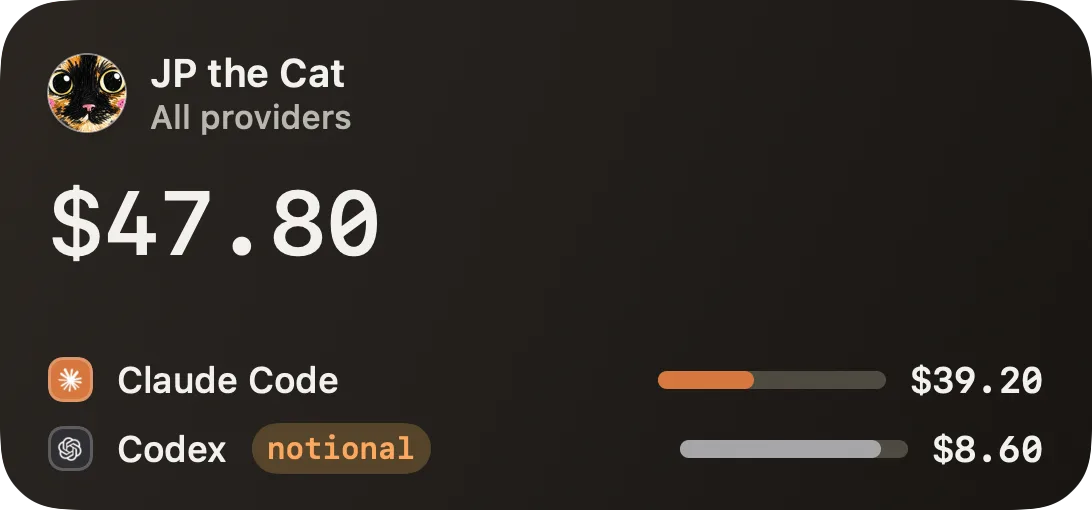
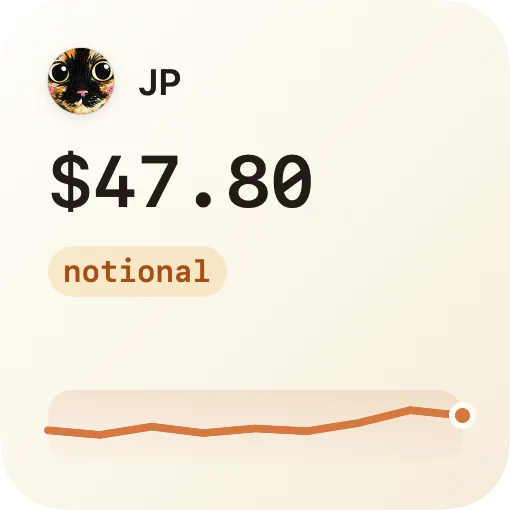
Sunlit & Midnight, every size.
Accuracy
Other apps blur the line between a measured number and a guessed one. JP never does. Every plan figure comes straight from the provider's own counter, stamped official. Anything JP works out on top of it — like whether you're on pace to hit a limit — is stamped est. and never dressed up as measured. You always know which is which.
Your prompts, code, transcripts, token history, and API keys stay on machine — always and forever.
A server-anchored license check with a salted device hash — never prompts, code, transcripts, tokens, or keys.
No Full Disk Access. Ever. JP reads only provider logs already on device and she never breaks your privacy.
Cross 80% and JP will let you know — a native macOS nudge, never nags.
Why two labels? Codex shares its rate-limit windows automatically, and Claude and Grok show theirs when you turn on Live Limits — real numbers straight from providers.
How JP compares
JP is not an agent-control panel; she's your cost-and-limits co-pilot.
| Tool | Price snapshot | Primary job | Cost certainty | Paid unlock |
|---|---|---|---|---|
| JP the Cat | $12.99 | Cost and limit copilot for agents | Real dollars and notional list prices. | Gauges, charts, widgets, alerts, and more! |
| Free CLIs | Varies | Token and usage summaries | Inconsistent pricing math and alert behavior. | - |
 Vibe Island Vibe Island | $19.99 | Control surface for approvals | - | - |
 SessionWatcher SessionWatcher | $14.99 | AI coding usage tracker | - | - |
JP the Cat$12.99
Job: Cost and limit copilot for agents
Cost certainty: Real dollars and notional list prices.
Paid unlock: Gauges, charts, widgets, alerts, and more!
Varies
Job: Token and usage summaries
Cost certainty: Inconsistent pricing math and alert behavior.
Paid unlock: -
Vibe Island$19.99
Job: Control surface for approvals
Cost certainty: -
Paid unlock: -
SessionWatcher$14.99
Job: AI coding usage tracker
Cost certainty: -
Paid unlock: -
We are inspired by our competitors but there was so much more to build for real, hardcore users.
Make it yours
From Sunlit light to twenty-one terminal-inspired dark packs, it's up to you.
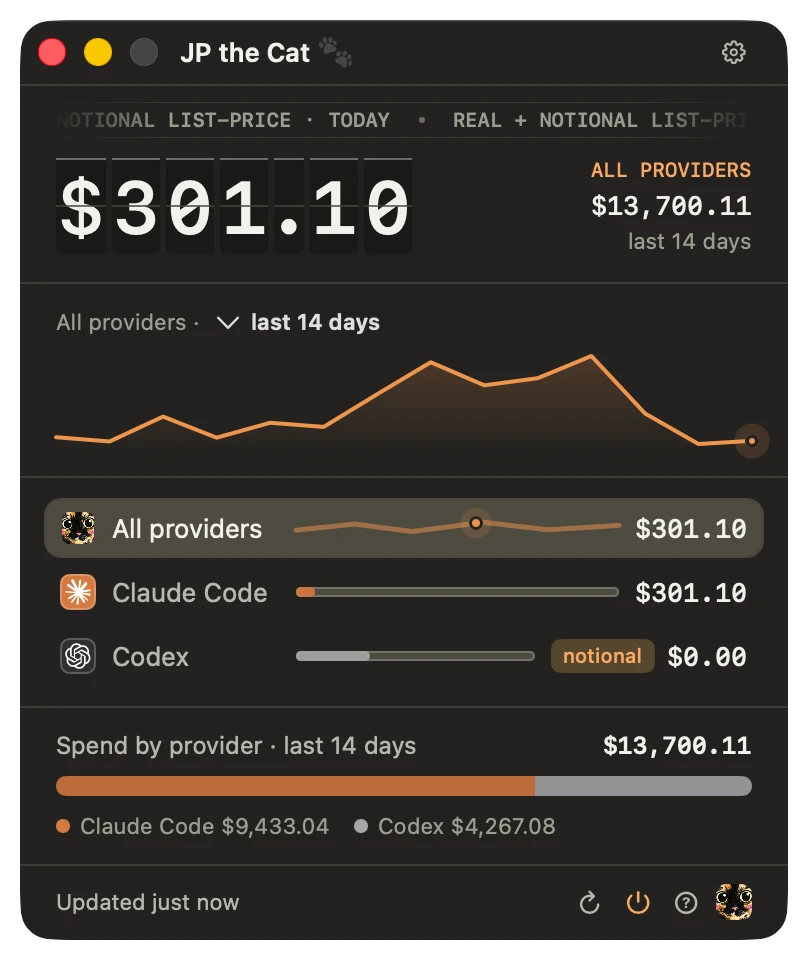
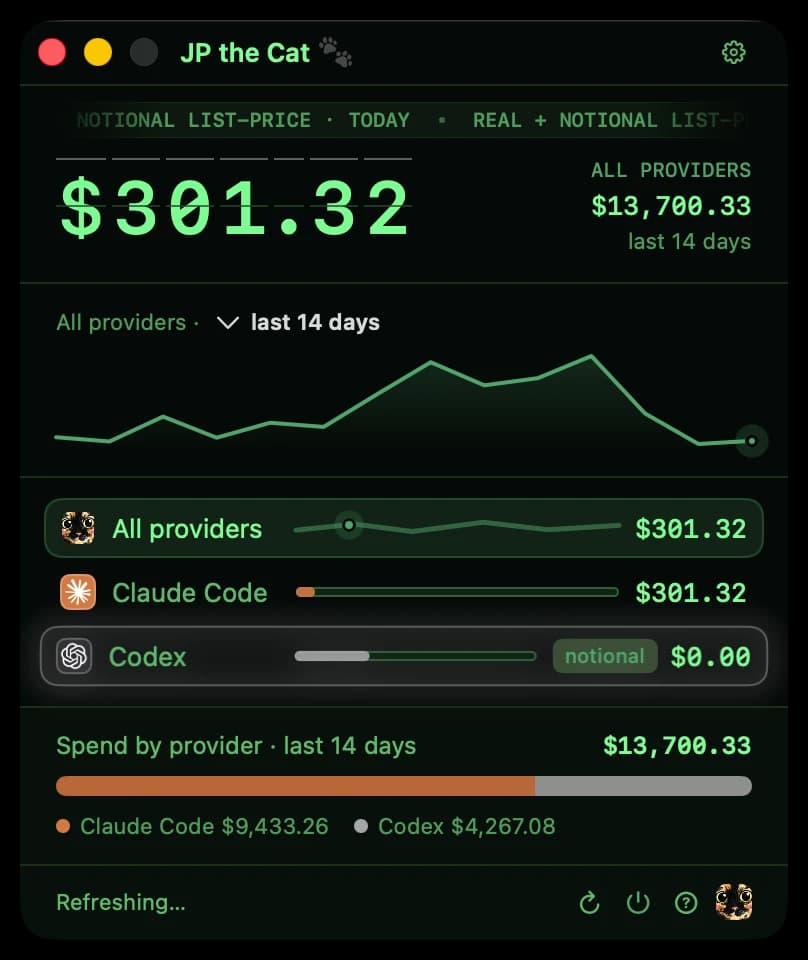
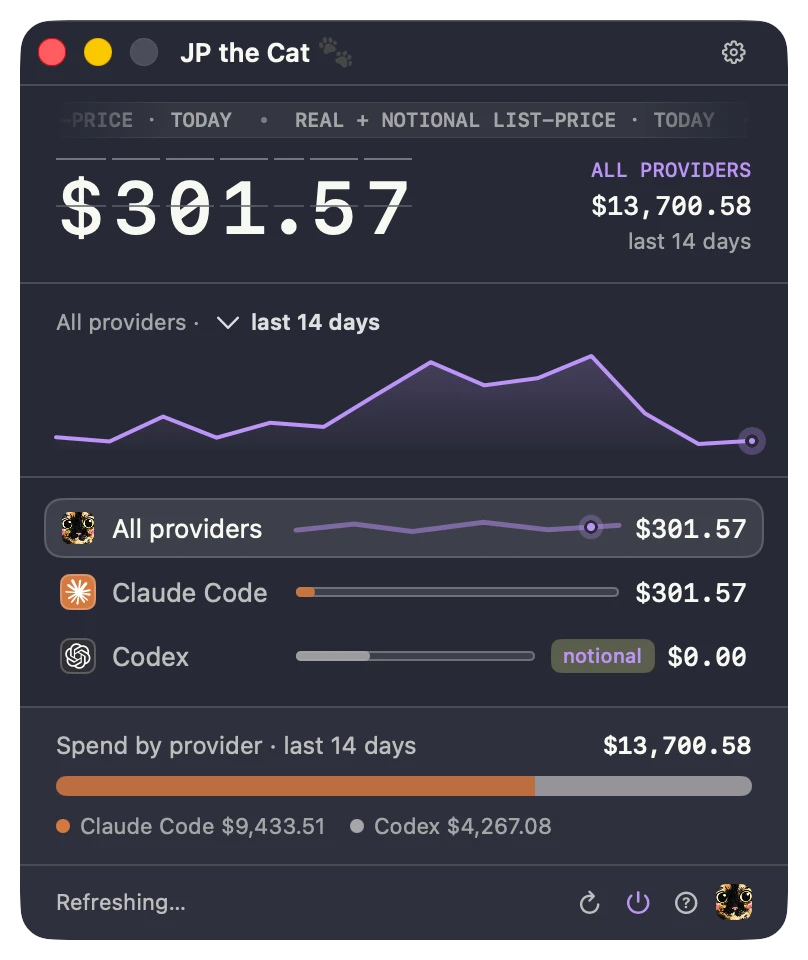
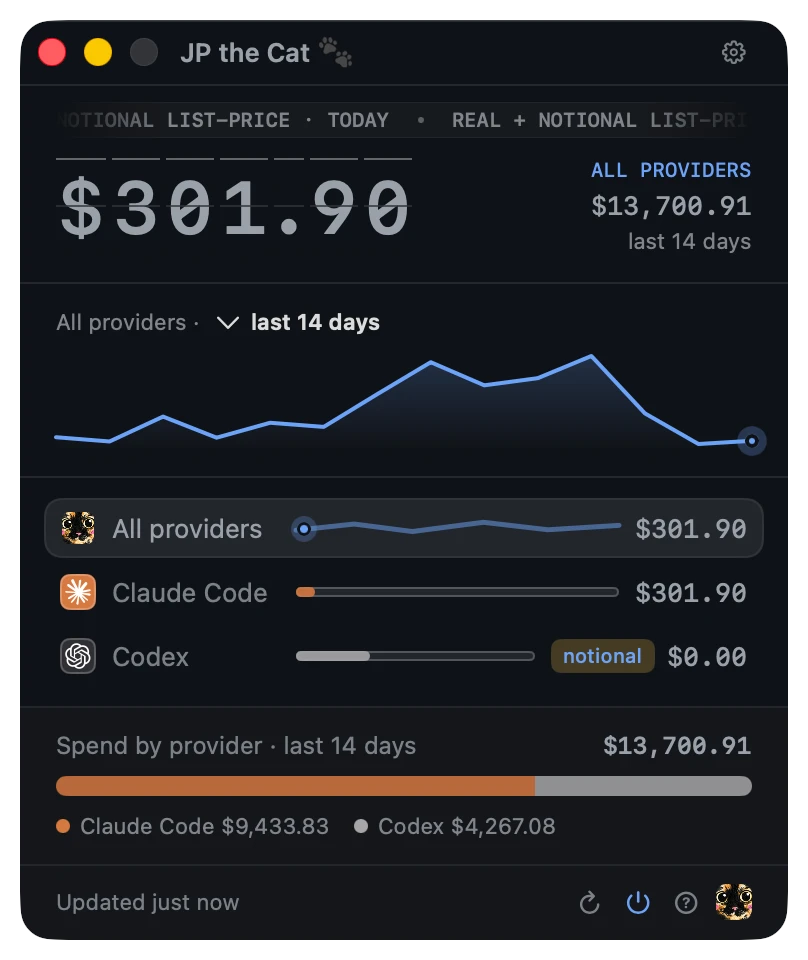
Sunlit & Midnight, and every shade between.
Yummy Pricing
Buy once, use forever with free updates. No subscription, no account required.
For one Mac · +$9.99 per extra Mac
One-time purchase. No subscription, ever.
Macs to license
1 Mac
Total $12.991 Mac at $12.99
Prefer Homebrew? Install the same signed, notarized app from JP's public tap.
brew tap 8bittts/jpthecat
brew trust 8bittts/jpthecat
brew install --cask jpthecatOne key for up to 10 Macs: 1st Mac @ $12.99, then $9.99 each. Ownership beats a subscription.
Free forever
Your license unlocks
Your 7-day trial unlocks all of it — no card. Local-first always: prompts, code, transcripts, and token history never leave your Mac.
Requirements: Apple Silicon, signed, notarized, JP approved.
Frequently asked questions
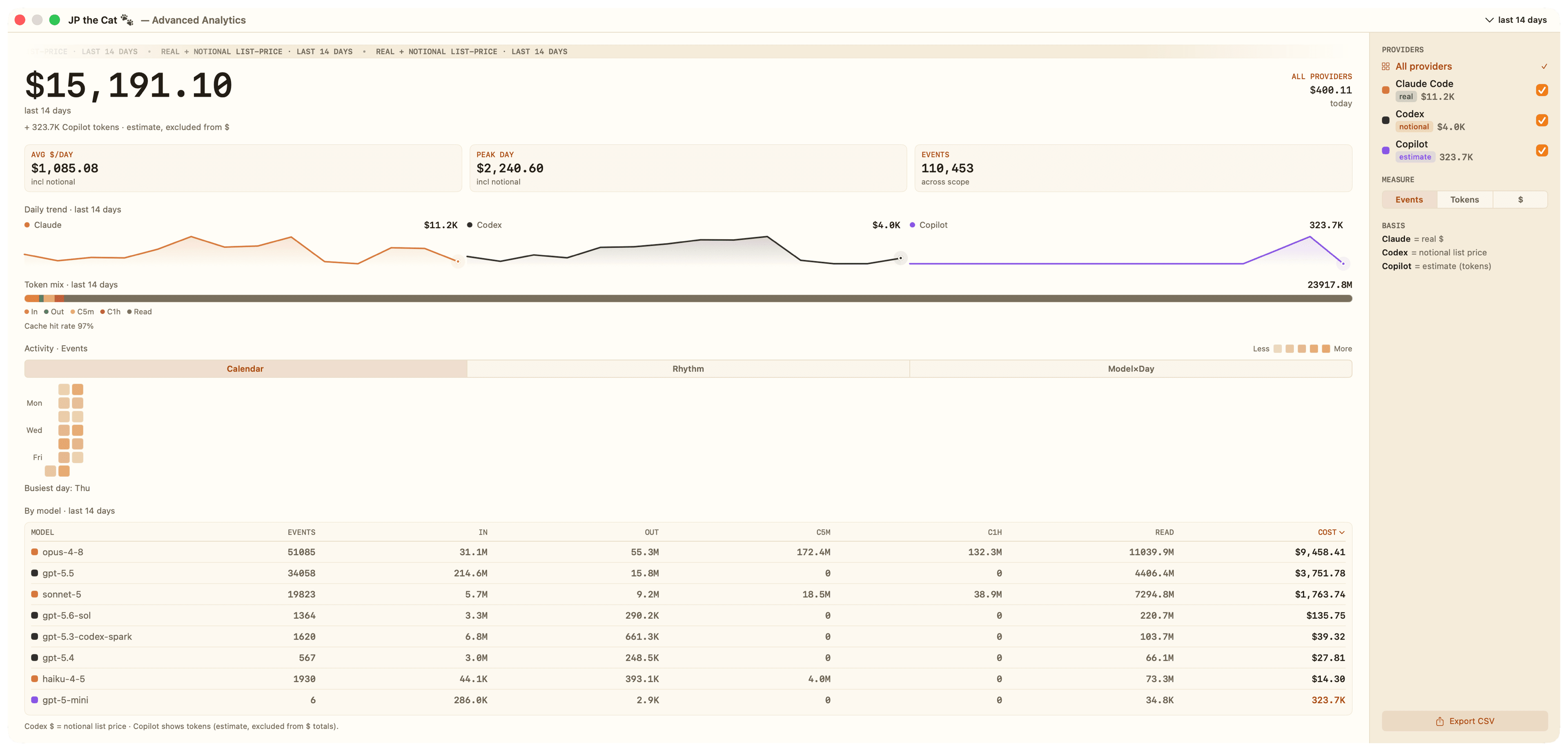
Real Claude Code dollars, cache-aware and deduplicated; Codex's official 5-hour and weekly limits, automatic; Grok Build as notional list-price dollars from local sessions; Claude's official limits too, once you opt in; and an optional Cursor CLI row (token estimate, never in the combined total). Plus a per-model provider drawer, a native macOS widget (small, medium, large), light and dark themes (Sunlit & Midnight Ledger), a configurable 7/14/30/90-day window, and an 80% usage alert with JP's meow — all local-first, with Muse Spark and measured OpenCode Go usage.
Free CLIs and menu-bar tools mostly show token counts and rough percentages — and several misprice cache tokens. JP starts with accurate Claude Code dollars, Codex's official limits (Claude's too, once you opt in), and honest notional Grok list-price cost, then adds a macOS widget, light and dark themes, and an 80% meow alert. Cursor stays estimate-only when you enable capture — never smuggled into the headline total.
This homepage shows Claude Code, Codex, Grok, Muse Spark, Cursor, and OpenCode Go. Claude shows real cost; Codex, Grok, and Muse Spark show notional list-price cost. Muse Spark counts OpenCode sessions on this Mac, not your full Meta account. Cursor shows opt-in local token activity. OpenCode Go shows gateway cost and measured usage against published caps. Cursor and OpenCode Go stay outside combined dollar totals and usage alerts. The app keeps its wider provider catalog independently of this homepage.
Different job. Those are agent control panels — approve prompts, jump to terminals. JP the Cat is a cost-and-limits meter: it answers "what am I spending, and how much of the current window is used?" Keep it in your menu bar as a pill, or drop the widget on your desktop in small, medium, or large — in light or dark to match your setup.
macOS 14 (Sonoma) or newer, on an Apple Silicon Mac. Because JP reads the usage logs your tools already keep, you'll want Claude Code, Codex, and/or Grok Build installed — she's happy with any combination. Cursor CLI is optional: enable capture from Settings → Live data when you want that row. There's no account to create for the local cost engine, and Claude Code / Codex / Grok need nothing extra to start counting.
brew tap 8bittts/jpthecat && brew trust 8bittts/jpthecat && brew install --cask jpthecat. She runs unsandboxed for exactly one reason: to read home-root tool logs (~/.claude, ~/.codex, ~/.grok, and OpenCode’s local data folder) — paths macOS doesn't gate — so there's no Full Disk Access and no Accessibility prompt, and she reaches only those provider folders, never the rest of your disk. Every build's SHA256 is linked on the pricing card so you can verify your download.No. JP the Cat is native Swift — no Electron, no browser engine — so she stays light in the menu bar. She mostly sleeps, waking to re-read your logs only when they change (a file-system watch) or on a gentle timer, then settles back down.
Open Edit Widgets — right-click your desktop, or click the date and time in the menu bar and scroll to the bottom — then search "JP the Cat" and drop the small, medium, or large size wherever you like. JP's Settings has a shortcut that walks you through it. The widget shows your latest totals; the app keeps it fed.
Codex publishes its 5-hour and weekly limits to its own logs, so JP shows them automatically. Claude only reports those official numbers through its statusline, so JP keeps it opt-in: turn on "Claude live limits" in Settings → Live data and she appends one small, clearly-marked block to your Claude statusline that writes the official percentages to a file she reads. Your statusline output is unchanged, nothing else in your Claude config is touched, and you can turn it off anytime. Until you opt in, Claude shows real-dollar cost only — never a guessed limit.
Claude Pro and Max — there's no plan flag to set, because JP reads your real usage rather than a plan ceiling — Codex on a paid subscription, and Grok Build under SuperGrok or X Premium+ (dollars labelled notional list price, not subscription spend). Cursor CLI is optional capture only. She reads whatever your tools already log, so you never connect an account or paste an API key for the local cost engine.
Yes, as an optional dashboard row and token-estimate widget view — never as spend. Enable Cursor CLI live data in Settings → Live data (JP only shows the row when the Cursor CLI is actually installed). It adds a local stop hook; once events land, you get a Cursor sparkline and token estimate with an estimate badge. Cursor stays out of the combined dollar total and usage alerts.
Completely. JP reads the local session logs your tools already write and never uploads your prompts, code, transcripts, or token history. The Mac app's required network calls are limited to the server-anchored trial and salted license checks; the optional Cursor plan usage toggle talks only to Cursor with your existing Cursor sign-in, and website page and performance telemetry is disclosed in the privacy policy.
Drag JP the Cat to the Trash. If you turned on Claude live limits, flip that off first (Settings → Live data) so she cleanly removes the small block she added to your Claude statusline. Her own files live in ~/Library/Application Support/JPtheCat — delete that folder to clear every last trace.
One-time, no subscription, no account. $12.99 covers one Mac with free updates; extra Macs are $9.99 each. Every install starts with a 7-day no-card trial with everything unlocked. After the trial, the live menu-bar dollar total stays free forever, right in your menu bar. A license unlocks everything you open: your 5-hour and weekly limit % right in the menu bar, the full dashboard with its per-model breakdown and detailed gauges, the desktop widget, and JP's 80% usage-limit meow.
Yes. Open Settings in JP, choose Deactivate this Mac, then unlock JP on the new Mac with the same JPC- key from your purchase email. Need more seats instead of moving one? Buy more adds Macs at $9.99 each for returning buyers.
JP updates herself in place with one click, using Sparkle — the same framework countless Mac apps use. A dot in Settings turns amber when a new build is ready; click it (or 'Check for Updates…' in JP's menu) and she installs it while keeping your settings. Updates are free.
Yes. JP reads the on-disk logs your tools already write, so cost and usage math stays local and keeps working offline. Paid features continue from the last signed offline lease during normal offline use; license changes like activation, deactivation, and buying more Macs need the network.
Claude Code is priced from the same per-model rates as your invoice, including the 5-minute vs 1-hour cache-write split and cache-read discount. Codex's 5-hour and weekly numbers come straight from its own rollout log, marked official; opt in and Claude's official limits read official too. Grok uses official xAI API list prices as notional cost on SuperGrok / Premium+ — never claimed as subscription spend. GitHub Cursor is token-estimate only. Anywhere a number is inferred rather than published, JP stamps it est.
A highly opinionated tortoiseshell with impeccable taste and zero patience for wasted tokens. She's lovable, a little bossy, and extremely picky about who she works with — which is exactly why she's so good at keeping your AI spend honest.
Ready when your agents are
Start with the 7-day no-card trial. Keep the live menu-bar pill free forever, or unlock the dashboard, widget, gauges, and 80% alerts for $12.99 once.
14-day refundFree updates forever
JP the Cat $12.99 once · 7-day trial
Unlock